
How Often Should Your Office Replace Printer Ink and Toner?
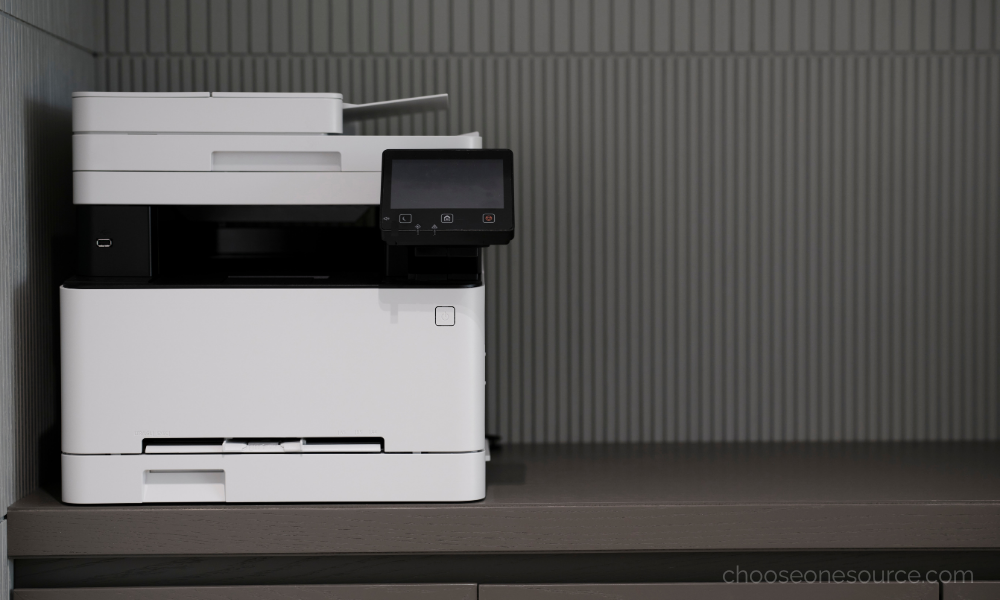
Few office supply problems are more frustrating than discovering a printer is out of ink or toner right when an important document needs to be printed.
The challenge is that there isn't one universal replacement schedule. Some businesses may go months between cartridge changes, while a busy office may replace toner regularly. How often your office needs new ink or toner depends on print volume, cartridge capacity, printer type, document coverage, and how the equipment is used.
Instead of replacing cartridges according to the calendar, the smarter approach is to understand your office's printing habits and create a simple inventory system that keeps replacements available before you need them.
At OneSource Office Products, we help Alabama businesses manage printers, ink, toner, paper, and other everyday supplies without unnecessary downtime or overstocking. Here's how to determine when to replace your printer cartridges and how much backup inventory your office should keep on hand.
There Is No Standard Ink or Toner Replacement Schedule
Printer cartridges don't need to be replaced every 30, 60, or 90 days simply because a certain amount of time has passed.
The more useful question is:
How many pages does your office print compared with the expected yield of the cartridge you're using?
Two businesses using the exact same printer may have completely different replacement schedules. One may print a few dozen pages each week, while another produces hundreds of invoices, reports, forms, or contracts every day.
Your replacement frequency is influenced by:
- Monthly print volume.
- Cartridge page yield.
- Black-and-white versus color printing.
- How much coverage appears on each page.
- Printer settings.
- Whether several employees share the same device.
If you're still determining which printing system best fits your workload, comparing how inkjet and laser printers perform at different office print volumes can help you choose equipment that better matches your actual needs.
Start with the Cartridge's Page Yield
Most ink and toner cartridges list an estimated page yield. This figure gives you a starting point for understanding how long a cartridge may last under standardized testing conditions.
For example, if your office prints approximately 1,000 pages each month and a toner cartridge has an estimated yield of several thousand pages, you can begin to estimate how frequently replacements may be needed.
Actual results will vary because page yield depends heavily on what you print.
A page containing a few paragraphs of black text uses far less ink or toner than:
- A full-page photograph.
- A heavily shaded presentation.
- A large company logo.
- Charts with extensive color coverage.
- Marketing materials with graphic backgrounds.
That's why page yield should be treated as a planning estimate rather than an exact prediction.
Ink and Toner Behave Differently
Ink and toner aren't simply two names for the same product.
Inkjet printers use liquid ink, while laser printers use dry toner powder. Those differences affect print volume, cartridge life, storage, and how frequently supplies may need replacement.
Ink cartridges are often used in offices with lighter print volumes or greater emphasis on detailed color output. Toner cartridges commonly support higher-volume document printing and often have substantially higher page yields.
If you'd like a deeper comparison, we've broken down how ink and toner differ in cost, page yield, storage, print quality, and ideal office use.
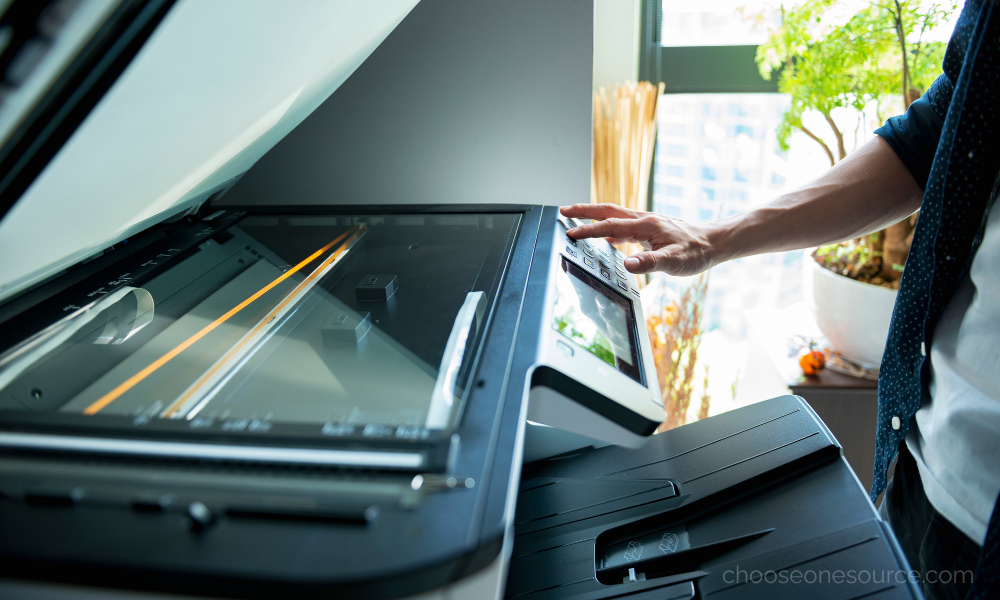
Know the Signs That a Cartridge Needs Replacement
Don't rely entirely on the date a cartridge was installed. Pay attention to the printer and the quality of the output.
Common signs that ink or toner may be running low include:
- Faded printing.
- Uneven print density.
- Missing colors.
- Streaks or inconsistent output.
- Low-supply alerts from the printer.
- A noticeable decline in print quality.
Keep in mind that poor print quality isn't always caused by an empty cartridge. Printer maintenance, incorrect paper, clogged printheads, worn components, or other equipment issues can sometimes produce similar symptoms.
Don't Replace Cartridges Too Early
Printer alerts are useful, but a "low ink" or "low toner" message doesn't always mean the cartridge must be replaced immediately.
Depending on the printer, there may still be usable supply remaining after the first warning appears.
For offices trying to control printing expenses, replacing every cartridge at the first low-supply notification can result in unnecessary waste.
A better approach is to:
- Keep a replacement cartridge ready.
- Monitor print quality.
- Replace the cartridge when output begins to decline or the printer indicates replacement is required.
That same balance between preparedness and overbuying is important throughout the office. Businesses can often reduce unnecessary spending by tracking actual usage instead of automatically replacing or reordering supplies too early.
How Many Replacement Cartridges Should Your Office Keep?
For most important office printers, keeping at least one compatible replacement cartridge available can prevent unnecessary downtime.
You may want additional backup inventory when:
- The printer supports a large department.
- Your business produces high volumes of documents.
- Printing is essential to customer service or daily operations.
- The cartridge isn't commonly stocked locally.
- Your office uses several printers that accept the same cartridge.
On the other hand, buying six cartridges for a lightly used printer that may soon be replaced can tie up money in supplies you'll never need.
The goal is to maintain enough inventory to protect operations without creating unnecessary stock.
Track Ink and Toner During Your Monthly Supply Review
Printer supplies shouldn't be managed separately from the rest of your office inventory.
Add ink and toner to your monthly supply checklist and record:
- Which printer each cartridge fits.
- How many replacements are currently available.
- Which cartridges are running low.
- Approximate monthly usage.
- The last time each type was reordered.
This makes it much easier to identify patterns and prevents the classic supply-room problem of having five cartridges in storage without knowing whether any of them fit the printer that's currently empty.
Label Replacement Cartridges by Printer
Printer cartridges often have similar-looking model numbers, which makes ordering mistakes surprisingly common.
When replacement cartridges arrive, label the storage area with:
- The printer make and model.
- The cartridge number.
- The department or room where the printer is located.
- The date the cartridge was received, if helpful for inventory tracking.
Grouping supplies by equipment dramatically simplifies restocking. This works especially well when printer supplies are incorporated into a clearly labeled office supply closet where employees can quickly see what's available.
Consider High-Yield Cartridges for Busy Printers
If your office replaces cartridges frequently, high-yield options may offer better long-term value.
High-yield cartridges contain more ink or toner than standard versions and are designed to produce more pages before replacement.
They can be particularly useful for:
- Shared departmental printers.
- Accounting and administrative offices.
- Legal and financial workplaces.
- Schools and government offices.
- Any business producing large document volumes.
Although the cartridge costs more upfront, the higher page yield may reduce the cost per page and the amount of time employees spend replacing supplies.
Check Your Paper Before Blaming the Cartridge
If printed documents don't look as sharp as expected, the cartridge isn't always the problem.
Paper can affect:
- Text sharpness.
- Color vibrancy.
- Show-through.
- Ink absorption.
- Toner performance.
Using paper that matches your printer and print job can improve results without changing cartridges at all. Understanding which paper weight, brightness, finish, and printer compatibility fit each type of document can also reduce wasted prints.
Don't Ignore Printers That Sit Unused
Low print volume creates a different challenge.
Because ink is liquid, an inkjet printer that sits unused for long periods may occasionally experience dried ink or clogged nozzles. Running the printer periodically and following the manufacturer's maintenance recommendations can help keep it operating properly.
Toner does not dry in the same way, which can make laser printers particularly practical for offices that print less frequently but still need a dependable document printer when required.
When Should You Order More Ink or Toner?
The best time to reorder isn't when the cartridge is completely empty.
Create a reorder point based on:
- How quickly your office uses cartridges.
- How much backup inventory is already available.
- How important the printer is to daily operations.
- How quickly replacements can be delivered.
For a critical printer, you may reorder as soon as the backup cartridge is installed. That ensures another replacement is already available before the new cartridge runs out.
For a lightly used printer, waiting until inventory reaches one replacement cartridge may be perfectly adequate.
Buying in Bulk Isn't Always Better for Printer Cartridges
Bulk purchasing works extremely well for many everyday supplies, but printer cartridges require more careful planning.
Buying larger quantities makes sense when:
- Your organization has several printers using the same cartridge.
- Print volume is consistently high.
- You know the equipment will remain in service.
- You have appropriate storage space.
It may not make sense when the printer is nearing replacement or the cartridge is unique to one rarely used device.
That's why toner and ink should be evaluated differently from products like copy paper, pens, and paper towels when deciding which frequently used office supplies deserve extra inventory and which should be ordered more carefully.
Use Your Print Volume to Make Better Purchasing Decisions
If your office repeatedly replaces cartridges faster than expected, it may be worth looking beyond the cartridge itself.
Your current printer may simply be undersized for the workload.
Signs that your office may need a different printing solution include:
- Constant cartridge replacement.
- Employees regularly waiting for print jobs.
- Frequent paper refilling.
- Increasing printing costs.
- A growing team sharing equipment designed for lighter use.
Sometimes the most economical solution isn't finding cheaper toner. It's choosing equipment designed to handle the volume your business actually produces.
Make Printer Supply Management Simple
Your office shouldn't have to think about toner every day.
A simple system of monitoring usage, maintaining one or more appropriate backup cartridges, and reordering at predetermined inventory levels can prevent most printing emergencies.
At OneSource Office Products, we help Alabama businesses find compatible ink, toner, printers, copy paper, and other printing supplies without the guesswork. Our team can help you identify the correct cartridge for your equipment and keep frequently used supplies available when you need them.
Working with a local partner also makes restocking easier when inventory changes unexpectedly. That's one reason businesses value having an office supply company close enough to respond quickly when essential products run low.
Need replacement ink or toner? Shop online or contact OneSource Office Products and we'll help you find the right supplies for your printers.
One Source... Infinite Possibilities...
At One Source Business Interiors, we believe where function and design collide, exceptional workspaces emerge. No matter how you work, our commitment remains steadfast: to create functional, yet beautiful spaces tailored for your team and your business. Ready to see the difference? Fill out the quote request form and discover the unique solutions we can offer.